Chemical-Inventory-Management-System
🧪 Chemical Inventory Management System
👨🎓 Developed By:
Deepak Misal 🔗 LinkedIn Profile
📌 Description
This project is a lightweight and user-friendly Chemical Inventory Management System designed for managing chemical, glassware, and instrument stock in laboratories. Built using PHP, MySQL, and Bootstrap, it allows authenticated users to add, update, delete, and view inventory records efficiently and also supports partial updates, derived field calculations and session-based transaction logging. Deployed using the XAMPP stack (Apache,MySQL, PHP).
🚀 Features
- 🔍 View inventory of Chemicals, Glassware, and Instruments
- ➕ Add new inventory entries
- ✏️ Update existing entries with partial field updates
- 🗑️ Delete inventory records based on unique identifiers
- 🧮 Automatically calculates derived fields like
available,working, etc. - 🔐 Transaction logs for every action
- 🎨 Bootstrap-based responsive UI
🛠️ Tech Stack
- Frontend: HTML, CSS, Bootstrap
- Backend: PHP
- Database: MySQL
- Server: Apache (XAMPP)
📁 Folder Structure
C:/xampp/htdocs/chemical_inventory_system/
│
├── welcome.php
├── inventory_form.php        # Add items
├── inventory_update.php      # Update items
├── inventory_delete.php      # Delete items
├── inventory_management.php
├── inventory_view.php        # View inventory
├── login.php
├── logout.php
├── signup.php
├── transaction.php           # All the activities performed
├── forgotpswd.php            # Reset password
├── aboutus.php
│
├── partials/
│   ├── _dbconnect.php
│   ├── style.css
│   └── _nav.php
│
└── images/
    ├── slide1.png
    ├── slide2.png
    └── slide3.png
⚙️ Installation Instructions
- 🔽 Download or clone the project.
- 🧰 Install and open XAMPP.
- 🟢 Start Apache and MySQL from the XAMPP control panel.
- 📂 Move the project folder into the mention directory
- 🛢️ Open phpMyAdmin and:
- Create a database named
chemistry - Import the required SQL tables (
chemicals,glassware,instrument,signin,transactions)
- Create a database named
- 🔧 Open
partials/_dbconnect.phpand update your database credentials (if needed). - 🌐 Launch your browser and go to:
http://localhost/chemical_inventory_system/welcome.php
🗃️ Database Tables
- chemicals
- glassware
- instrument
- signin
- transactions
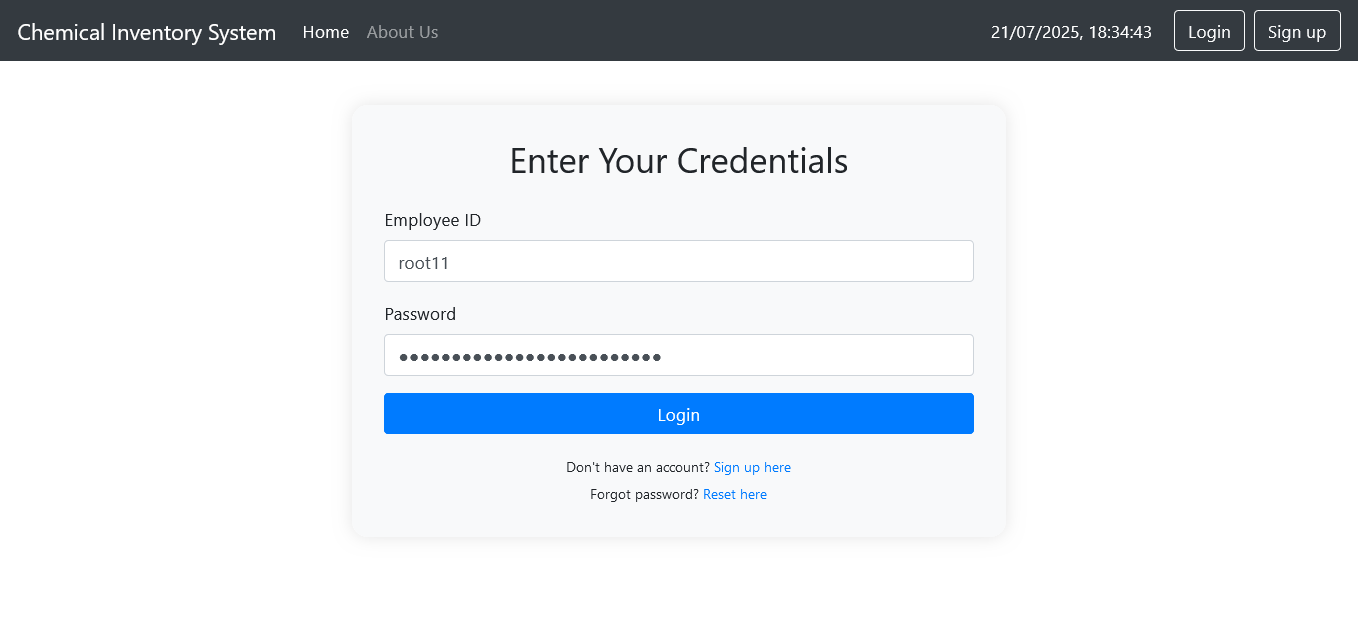
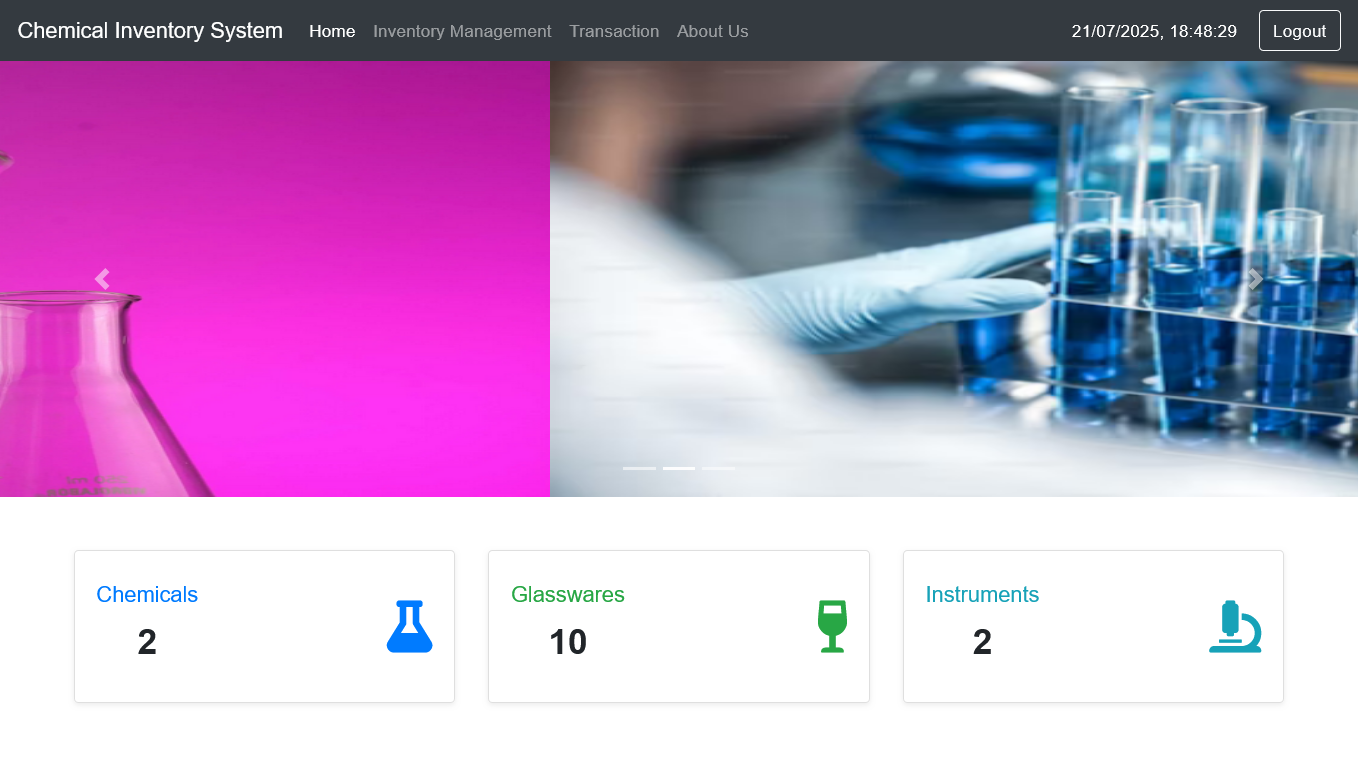
📸 Screenshots
💡 Future Improvements
- Role-based login (Admin, Lab Assistant, Faculty)
- Two-factor authentication for better security
- Password strength meter and reset link via email
- Barcode/QR code scanner for item tracking
- Export inventory to PDF, Excel
- Integration with lab equipment or sensors